

Actions And Gestures
Universal Card supports several interaction layers.
Use them to make the card behave like a compact control surface instead of a passive display.
Interaction layers
| Area | Main fields |
|---|---|
| Card shell | tap_action, hold_action, double_tap_action |
| Badges | badges[].tap_action, badges[].icon_tap_action |
| Footer | footer.actions[], footer.tap_action, footer.hold_action |
| Context menu | context_menu.items[] |
| Swipe gestures | swipe.* |
Root actions
Use root actions when the whole card should behave like one primary control.
type: custom:universal-card
title: Security
tap_action:
  action: more-info
hold_action:
  action: navigate
  navigation_path: /lovelace/security
double_tap_action:
  action: toggle
body:
  cards:
    - type: entities
      entities:
        - entity: input_boolean.security_armed
Badge actions
Use badge actions for small direct controls.
badges:
  - type: state
    entity: light.kitchen
    icon: mdi:lightbulb
    label: Kitchen
    tap_action:
      action: toggle
    icon_tap_action:
      action: more-info
Context menu
Use context_menu for secondary actions that should not be always visible.
context_menu:
  items:
    - label: Open dashboard
      icon: mdi:view-dashboard
      action: navigate
      navigation_path: /lovelace/overview
    - label: More info
      icon: mdi:information-outline
      action: more-info
Swipe gestures
Use swipe for directional shortcuts.
Rendered preview
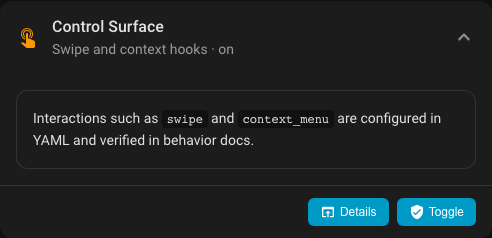
YAML
type: custom:universal-card
title: Room Controls
swipe:
  enabled: true
  direction: horizontal
  threshold: 60
  left:
    action: navigate
    navigation_path: /lovelace/left-room
  right:
    action: navigate
    navigation_path: /lovelace/right-room
body:
  cards:
    - type: entities
      entities:
        - entity: sensor.demo_temperature
        - entity: sensor.demo_humidity
Practical guidance
- keep one interaction primary and obvious
- use context menu for lower-priority actions
- use swipe only when directional navigation is natural
- avoid stacking too many gesture types on a tiny card
Editor coverage
The visual editor covers:
- root action shells in the normal form sections
swipe.*
YAML remains better for:
- larger action payloads
- detailed context menu item lists
- complex badge action setups