Advanced Lovelace card with 7 body modes, CSS Grid layout, 21 themes, and a visual editor.
Everything you need to build a polished Home Assistant dashboard
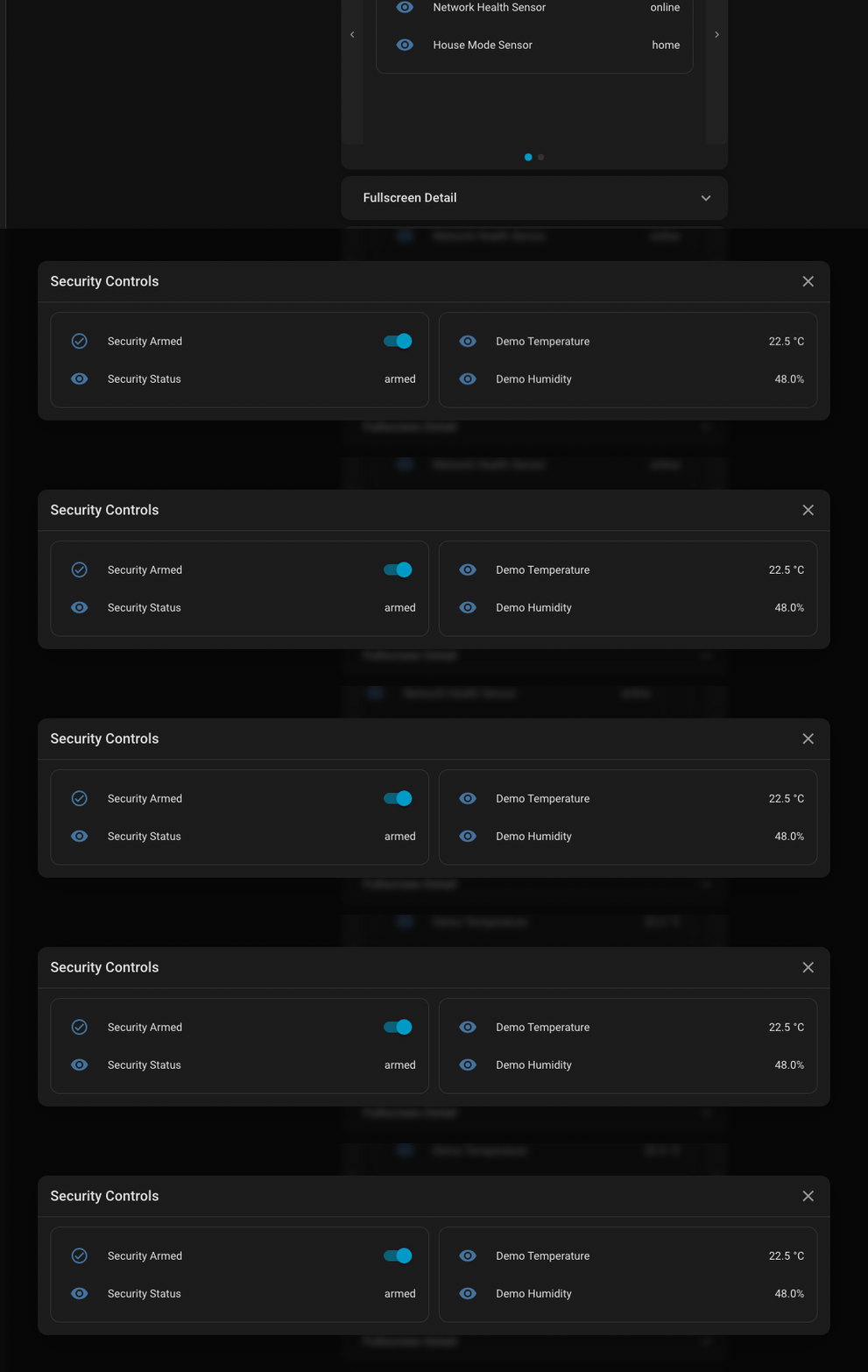
Expand, Modal, Fullscreen, Tabs, Carousel, Subview, and None for the right content flow in each card.
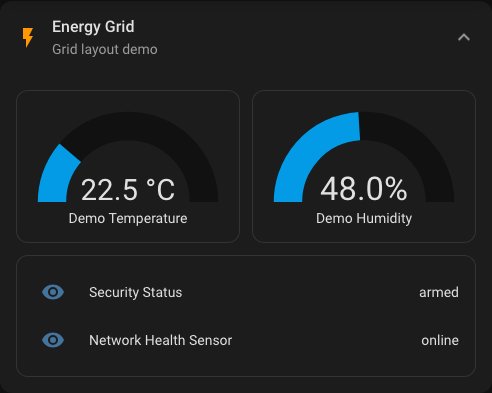
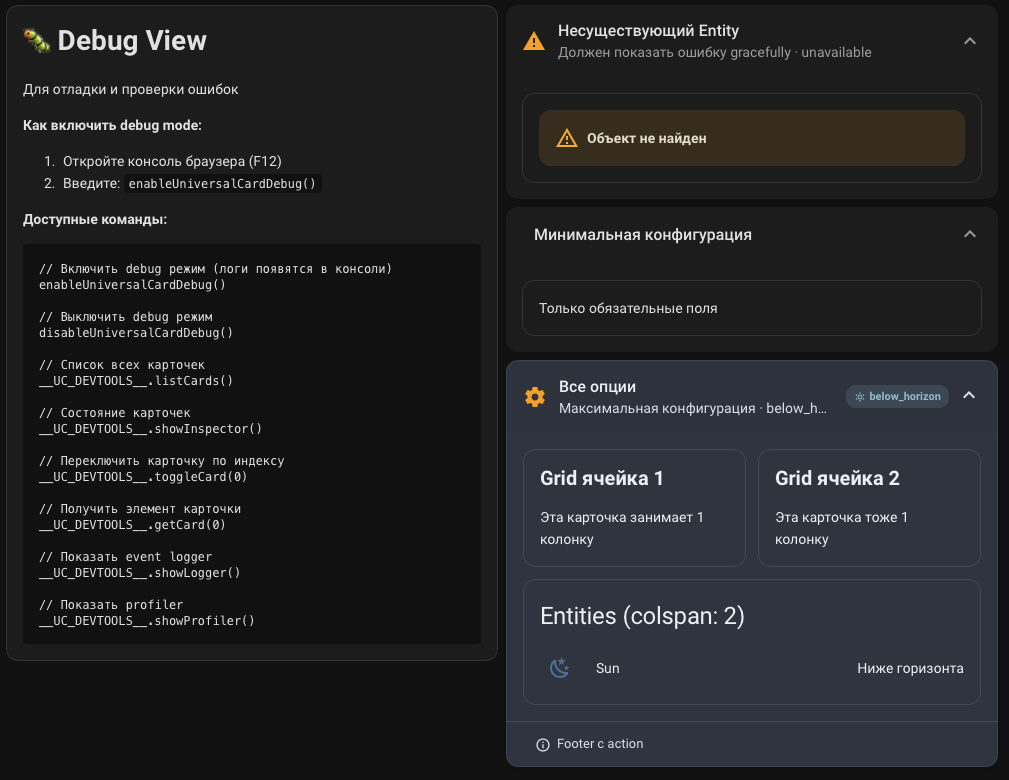
Flexible grid layout with colspan, rowspan, custom columns, and responsive breakpoints.
From minimal dashboards to dramatic branded panels, with room for custom tuning.
Load heavy content only when needed and keep large dashboards responsive.
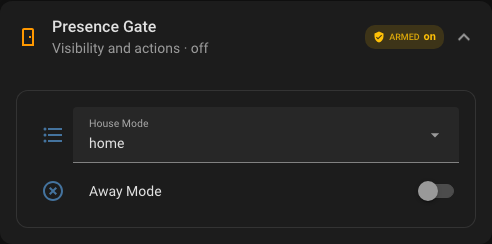
Show cards only when they matter: entity state, user, time window, or screen context.
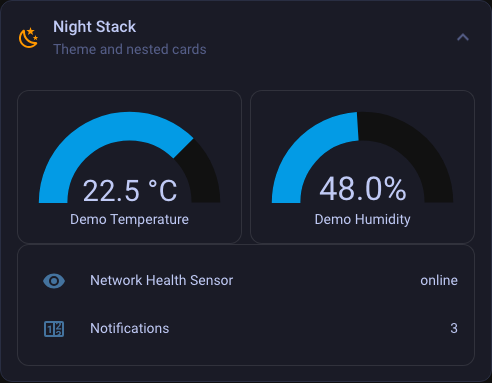
Compose complex dashboard surfaces with nested cards and theme inheritance.
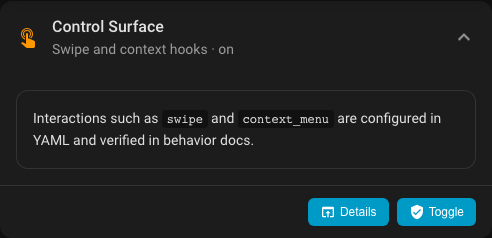
Tap, hold, and double tap actions for compact control surfaces and drill-down flows.
Configure major layout and badge options from Lovelace without hand-editing every field.
The Pages site now includes a full capability reference, real dark-theme renders, editor coverage, and a large YAML-backed examples gallery.
Full map of public capabilities: body modes, badges, header layout, loading, themes, footer, and editor support.
Real Home Assistant screenshots and GIFs paired with copyable YAML for the main feature groups.
Complete inventory of layout, actions, visibility, styling, runtime settings, and editor coverage.
Block-by-block configuration reference for root shell, header, badges, body modes, styling, actions, and runtime.
Quick lookup by field group, editor coverage, and the best documentation entry point for each area.
Detailed guide for columns, gaps, spans, and nested-card composition.
Footer text, supporting cards, action rows, and secondary control surfaces.
Card-level, section-level, and badge-level visibility rules.
Tap, hold, double tap, context menus, footer actions, and swipe navigation.
Ready recipes for real dashboard scenarios: climate, security, media, wall panel, mobile, and admin tools.
Ready snippets for precise restyling of the card shell, header, badges, tabs, modal, fullscreen, and footer.
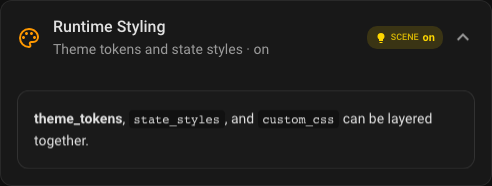
When to use theme, icon color, theme tokens, state styles, and when `custom_css` is the right tool.
Official CSS hooks and stable selectors that are safe to target from `custom_css`.
Dedicated editor page covering what is exposed in UI and what intentionally stays YAML-first.
Configuration structure, card anatomy, and the shortest path from a minimal card to a production dashboard.
The most useful starting points, with direct jumps into examples and use-case pages.
Baseline card pattern for most dashboard use cases.
Overlay pattern for detail views and quick control sheets.
Cameras, media panels, and immersive large-format layouts.
Grouped content for climate, security, media, and other dashboard domains.
Compact statuses, icon-only chips, and condition-based color rules.
Hide the whole card or specific sections based on runtime conditions.
Refine the look with themes, tokens, and state-based styling.
Stable configuration for tablets, kiosks, and always-on wall panels.
Ready use-case recipe for security, cameras, and alert-oriented actions.
Compact cards, badges, and one-column friendly layout patterns.
Seven ways to present card content depending on context
Smooth inline expansion
Focused overlay window
Immersive full-screen mode
Tabbed content groups
Slide-based navigation
Route-based detail view
Header-only card shell
Choose a visual language that matches your dashboard
Start with copyable YAML in under a minute
type: custom:universal-card
title: Lighting
subtitle: Living Room
icon: mdi:lightbulb-group
entity: light.living_room
body:
cards:
- type: light
entity: light.living_room
- type: light
entity: light.bedroom
Feature screenshots from the real card surface
Choose the installation path that fits your setup
universal-card.js and the lazy/ directory into /config/www/universal-card//local/universal-card/universal-card.js (module)